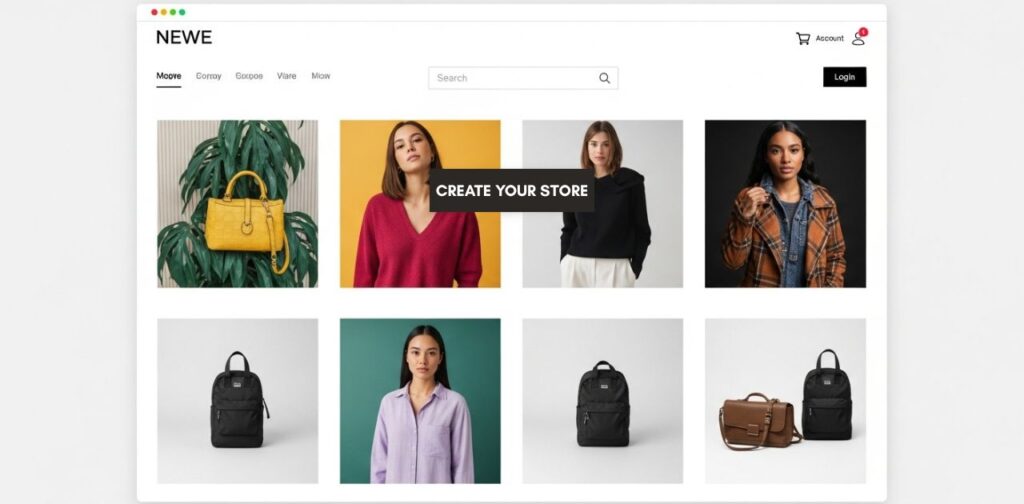
Imagine that you wake up in the morning, that time which makes you wish to have some more minutes of sleep. You proceed to check your phone, and see that while you were sleeping, your online store made three sales. Money literally came in while you were dreaming. Sounds amazing, right? But here’s the thing—most people never get to this stage because they overcomplicate the process. When you learn how to create an online store it should be easier than ever.
However, many aspiring entrepreneurs get stuck choosing between the “perfect” platform, overthinking products, or feeling overwhelmed by tech. this leads one to need a proper break down and understand how to create an online store in the easiest way—no fluff, just a real, actionable guide.
Choosing the Right eCommerce Model When You Create An Online Store
Before setting up your store, you need to decide what kind of store you’re building. Let’s compare the three most common models:
| eCommerce Model | Pros | Cons |
|---|---|---|
| Dropshipping | No inventory needed, low startup costs | Lower profit margins, supplier dependence |
| Selling Your Own Products | Full control, higher profits | Requires inventory and shipping management |
| Digital Products (eBooks, courses) | High-profit margins, no shipping | Requires content creation upfront |
Which Model is Best for Beginners When You Create An Online Store?
Meet Alex, an ambitious young man who has always wanted to build an online business. However he had no money to invest in inventory. He decided to choose drop shipping after checking out his options. He went with this option because it allowed him to sell trending products without upfront costs. The result of this was that In just three months, he went from $0 to $5,000/month by marketing on TikTok.
For beginners, dropshipping or selling digital products is the easiest way to start because you don’t have to manage inventory.
How To Create An Online Store With the Right Platform?
Your store is your digital storefront, so choosing the right platform is crucial. Here’s a quick breakdown of beginner-friendly options:
| Platform | Best For | Ease of Use |
| Shopify | All-in-one solution, dropshipping | ⭐⭐⭐⭐⭐ |
| WooCommerce | Customization & flexibility | ⭐⭐⭐ |
| Wix eCommerce | Simple drag-and-drop setup | ⭐⭐⭐⭐ |
| BigCommerce | Scalable businesses | ⭐⭐⭐⭐ |
What is the easiest platform for beginners to create an online store?
If you want to launch a store today with no coding or headaches, Shopify is your best bet. It’s beginner-friendly, has built-in tools, and integrates with dropshipping apps like Oberlo and DSers to help you add products in minutes.
Step-by-Step Guide on How to Create an Online Store
Let’s get into the step-by-step process of launching your store.
Step 1: Pick a Profitable Niche When you Create an Online Store
Most people fail because they choose a niche based on what they like, not what sells. Instead, ask yourself:
- Is this product trending? (Check Google Trends & TikTok trends)
- Are people actively buying this? (Use Amazon’s Best Sellers list)
- Does it solve a problem or create desire? (Winning niches: fitness, beauty, home gadgets)
Step 2: Get a Domain & Hosting When You Create An Online Store
- If using Shopify/Wix: Hosting is included.
- If using WooCommerce: Get a domain from Namecheap and hosting from SiteGround.
Step 3: Install Your eCommerce Platform When You Create An Online Store
- Shopify: Sign up → Choose a theme → Customize
- WooCommerce: Install WordPress → Add WooCommerce plugin → Customize
Step 4: Add Products & Optimize Listings
- Title & Description: Use SEO-friendly product descriptions.
- High-Quality Images: Use real product images or stock images from Pexels.
- Pricing & Discounts: Research competitor prices and offer deals to attract buyers.
E. Payment & Shipping Made Simple
Step 5: Set Up Payment Gateways
People abandon carts when checkout is complicated. Make payments seamless:
- Global Payments: PayPal & Stripe.
- Kenya: MPesa (Essential for mobile transactions).
Step 6: Enable Shipping & Delivery
- For physical products: Integrate with DHL, G4S, or ePacket for global shipping.
- For digital products: Use Gumroad or SendOwl for instant delivery.
F. How to Market Your Online Store for Fast Sales
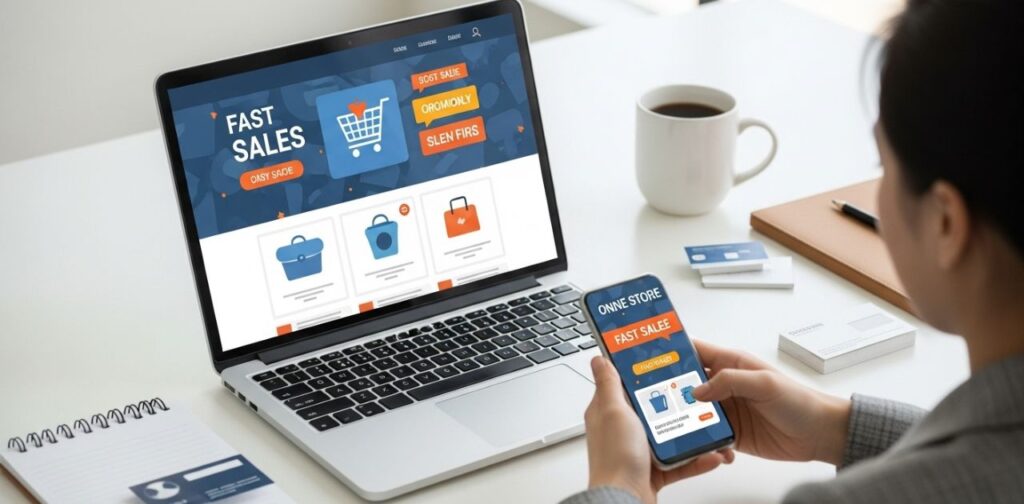
Your store is live. Now what? Traffic = Sales, and here’s how to get visitors:
How can I get my first sale quickly after I create an online store?
- Leverage Free Marketing
- SEO: Optimize product pages with long-tail keywords.
- TikTok & Instagram Reels: Post viral-style content about your products.
- Pinterest & YouTube: Evergreen content that drives long-term traffic.
- Use Paid Marketing for Faster Sales
- Facebook & Instagram Ads: Run retargeting campaigns.
- Influencer Marketing: Find micro-influencers who match your niche.
- Google Shopping Ads: Capture high-intent buyers.
Case Study: How Sarah Hit $10K in 3 Months
Sarah started her Shopify store in early 2024, selling home fitness products. She found a winning product by browsing TikTok trends. Using TikTok ads & Instagram influencers, she reached $10K in just 3 months.
G. Why Do Most Online Stores Fail & How to Succeed?
Why do most online stores fail, and how can you create a successful one?
- Choosing the Wrong Niche → Do proper market research before launching.
- Not Optimizing for Conversions → Use trust badges & improve site speed.
- Ignoring Customer Service → Quick responses & easy refunds increase loyalty.
H. Conclusion & Next Steps
The only difference between someone making money with an online store and someone still “thinking about it” is taking action.
What’s Next?
✅ Choose a business model.
✅ Pick a platform (Shopify, WooCommerce, etc.).
✅ Follow the setup steps & launch your store.
✅ Start marketing & making sales!
Ready to take action? Start your free trial on [Shopify/Wix] today and get your first sale within weeks! do you want to learn more about, online stores follow our blog section for more. Talk to us and tell us all you want us to know.
