Facebook is a giant in the social media space, connecting billions of people across the globe. But like every popular online platform, it also attracts spammers and cybercriminals looking to exploit users. From annoying spam messages to sophisticated phishing schemes designed to steal your personal information, these digital threats can turn a fun online experience into a risky one. Learn how to report spam or phishing on Facebook to protect yourself.
It helps you and others from dangers that require more than just a quick click of the “report” button — it calls for a deeper understanding of how these threats work and what steps you can take to fight back. In this article, we’ll break down the different types of spam and phishing attacks you might encounter on Facebook, how to report them effectively, and practical tips to prevent becoming a victim in the future.
Understanding Spam and Phishing
To tackle spam and phishing effectively, you need to know what you’re dealing with. Though the terms are often used interchangeably, they describe different threats, each with its own risks and signs.
Spam
Spam refers to unsolicited, irrelevant, or repetitive messages usually sent to large numbers of people. On Facebook, spam can come in many forms:
- Direct Messages: Unsolicited promotional messages or annoying ads in your inbox.
- Comments on Posts: Comments with irrelevant links or promotions, often from fake profiles or bots.
- Group Invitations: Invitations to join groups that you’ve never heard of, often filled with spammy posts once you’re in.
Spam is usually just a nuisance, but some spam links can lead to malware or phishing attempts, so it’s important not to dismiss them as harmless.
Phishing
Phishing is a more malicious form of attack, where cybercriminals try to trick you into giving up sensitive information like passwords, credit card details, or other personal data. Phishing on Facebook often comes in the form of:
- Fake Friend Requests: Fraudulent profiles designed to gain your trust and access to your personal information.
- Phishing Messages: Messages that appear to be from Facebook or other trusted organizations, asking you to click on a link or provide sensitive information.
- Fake Contests or Giveaways: Scams that promise prizes in exchange for your personal details or encourage you to click on malicious links.
Both spam and phishing can compromise your privacy, security, and even your financial well-being if you’re not careful.
Common Types of Spam and Phishing on Facebook
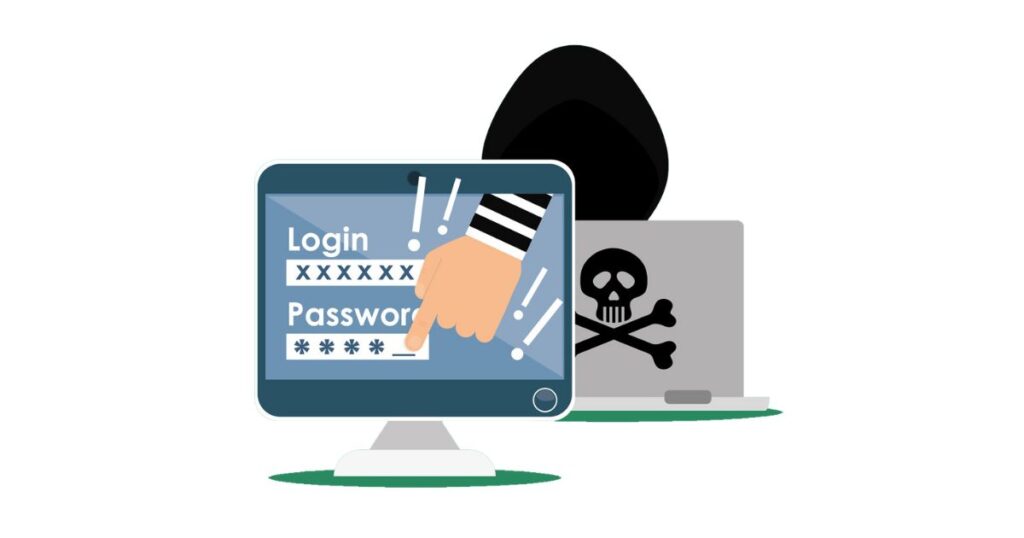
Spam and phishing attacks on Facebook are evolving, but here are some of the most common types to look out for:
- Fake Friend Requests: Often from bots or scammers, these accounts can access your personal details and even spread spam through your friends list once accepted.
- Phishing Messages: These might look like they’re from Facebook’s support team or another trusted source, but they’ll include links that redirect you to fake websites designed to steal your login credentials.
- Spam Comments: Posts on your timeline or group comments with irrelevant promotions, fake investment schemes, or links that lead to dubious sites.
- Fake Contests or Giveaways: Ever seen a contest that promises high-value prizes like an iPhone or holiday package, but all you need to do is “click here”? These are often phishing traps.
- Group Spam: Spammers join groups to flood them with irrelevant or harmful content, often using bots to automate the process.
How to Report Spam or Phishing on Facebook
Reporting spam or phishing on Facebook isn’t just about protecting yourself — it helps make the platform safer for everyone. Here’s a simple guide to reporting these malicious activities:
1. Identify the Offending Content
Before reporting, make sure you correctly identify the type of content. Is it a message, comment, or post? Is it a suspicious friend request? Different content types have different reporting processes, but we’ll cover them all.
2. Use Facebook’s Reporting Tools
Facebook has streamlined its reporting tools to make it easier for users to flag inappropriate content. The steps differ slightly depending on what you’re reporting:
- For Messages: Open the message, click on the three dots in the top right, and select “Report.”
- For Comments: Hover over the comment, click on the three dots, and then click “Find support or report comment.”
- For Posts: Click on the three dots in the top right corner of the post and choose “Report Post.”
- For Friend Requests: If you receive a suspicious friend request, go to their profile, click on the three dots next to the “Message” button, and select “Report.”
- For Group Spam: If spam appears in a group you belong to, you can report the content directly or alert the group’s administrators.
3. Provide Specific Information
When reporting content, don’t just rely on the automated prompts. If possible, include details about why you believe the content is spam or phishing. The more precise your report, the better Facebook’s moderators can respond.
Tips to Prevent Spam or Phishing on Facebook
While reporting is essential, prevention is even better. Here are some best practices to keep your Facebook experience spam- and phishing-free:
1. Be Selective with Friend Requests
Don’t accept every friend request that comes your way. If you don’t recognize the person or their profile looks suspicious (e.g., very few friends, generic profile picture, incomplete info), it’s better to decline.
2. Don’t Click on Suspicious Links
This may sound obvious, but phishing messages can be cleverly disguised to look legitimate. If a message contains a link that you weren’t expecting or looks slightly off, don’t click. Even if it appears to be from someone you know, verify it before engaging.
3. Verify Official Messages
If you receive a message that appears to be from Facebook, double-check the sender’s address and avoid clicking on any links until you’re sure it’s authentic. Facebook never asks for your password via message.
4. Strengthen Your Passwords
Use strong, unique passwords for your Facebook account and enable two-factor authentication (2FA). 2FA provides an extra layer of security, ensuring that even if someone gets hold of your password, they won’t be able to access your account without a second verification step.
5. Review Privacy Settings Regularly
Facebook often updates its privacy settings, so check your account regularly to ensure that your information is shared only with the people you want to share it with.
The Bigger Picture: Why Your Reporting Of Spam or Phishing on Facebook Matters
You might think that reporting spam or phishing is just a small, insignificant action — but in reality, it’s part of a larger effort to keep Facebook safe. The more people report malicious content, the better Facebook’s algorithms become at detecting and removing these threats before they cause harm.
Plus, when you report a phishing attempt or spam message, you’re not just protecting yourself. You’re helping to stop that scammer or spammer from targeting others in your network, friends, and even strangers. Your small action can have a ripple effect in making the online world a safer place for everyone.
Conclusion
Spam and phishing aren’t going away anytime soon, but that doesn’t mean you have to fall victim. By understanding how these attacks work, using Facebook’s reporting tools effectively, and following best practices for prevention, you can help create a safer, more enjoyable online experience for yourself and others.
It’s easy to feel like these issues are just part of the deal when using social media, but remember: you have the power to fight back. Take action, stay informed, and don’t hesitate to report any suspicious activity. In doing so, you’re helping keep Facebook and the broader internet community safer and more secure. For more articles check out our latest ones on the blog section.
